
Sending Campaign to Those Who Did Not Open the Previous One
The system has three methods to resend the campaign to contacts who have received the message but haven't read it.
- Extra campaigns functionality.
- Via the exporting contacts from the report.
Extra Campaigns Functionality
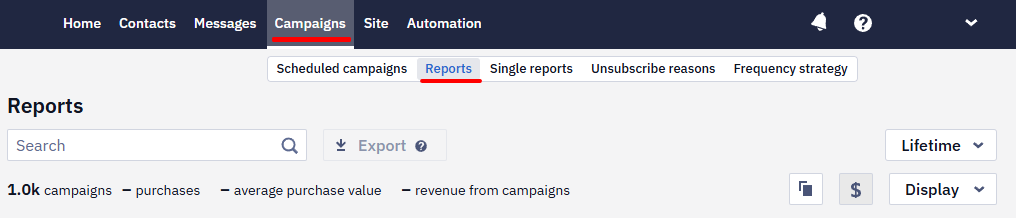
- Go to Campaigns → Reports.
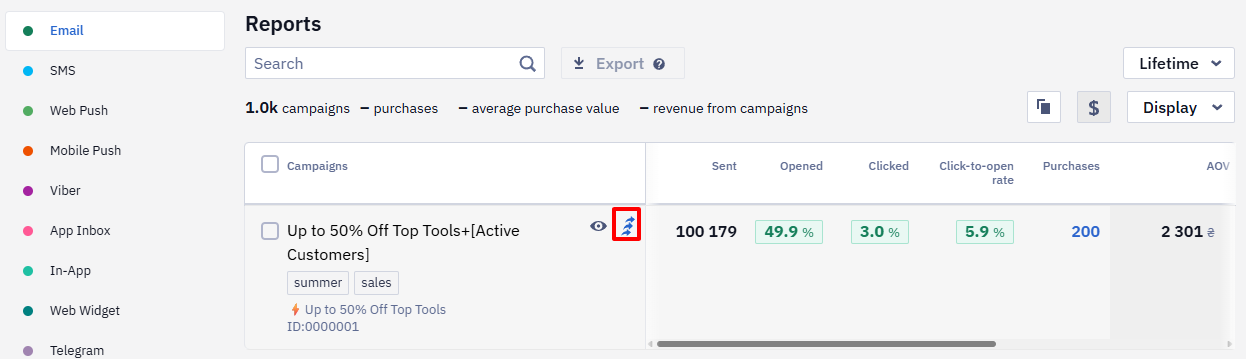
- Click Extra campaigns in the list of campaigns,
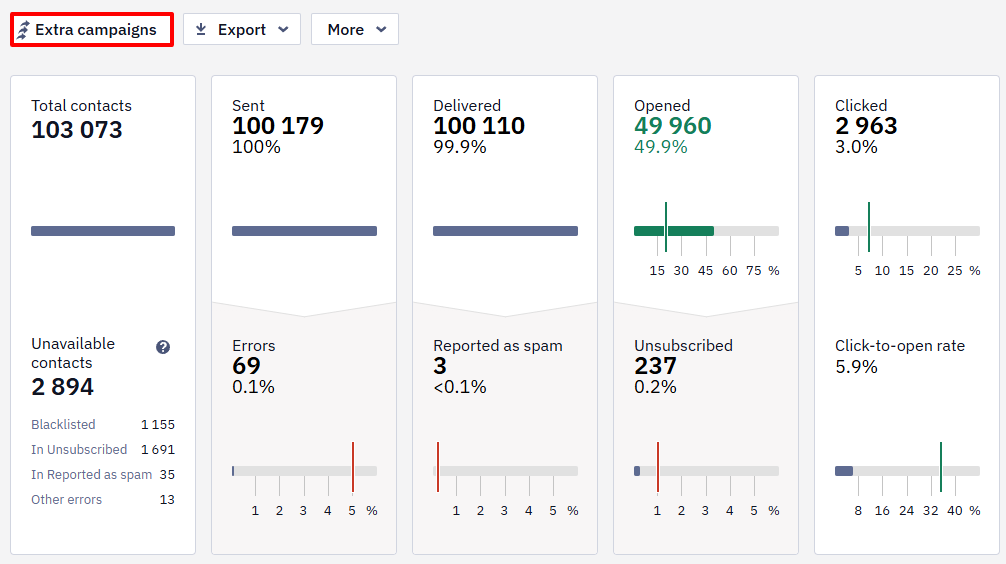
Or open the report and click the Extra campaigns button.
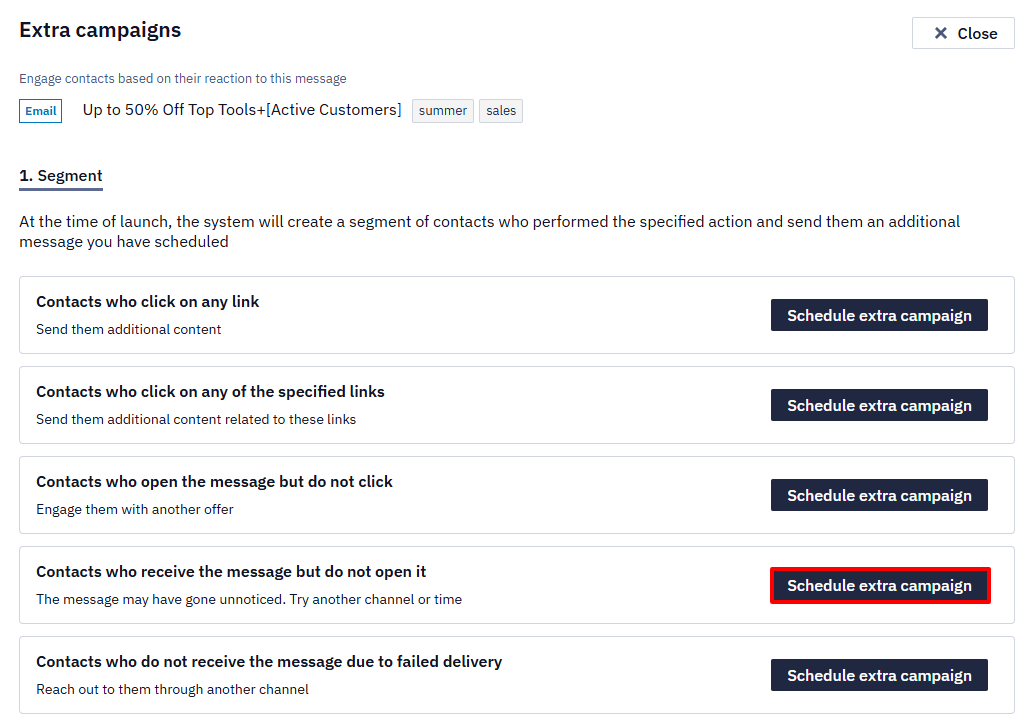
- Select the To contacts who will receive the message but won’t open it option.
- Select a media channel and message from the list.
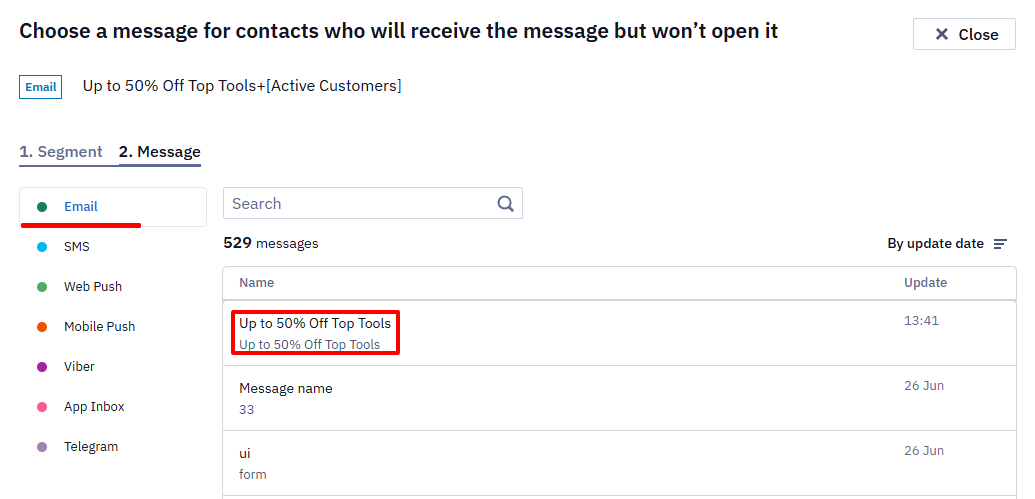
You can find the message by a keyword or a specified tag in the search bar.
Check all the data, as before a regular campaign.
Learn more about extra campaigns >
Via the Exporting Contacts From the Report
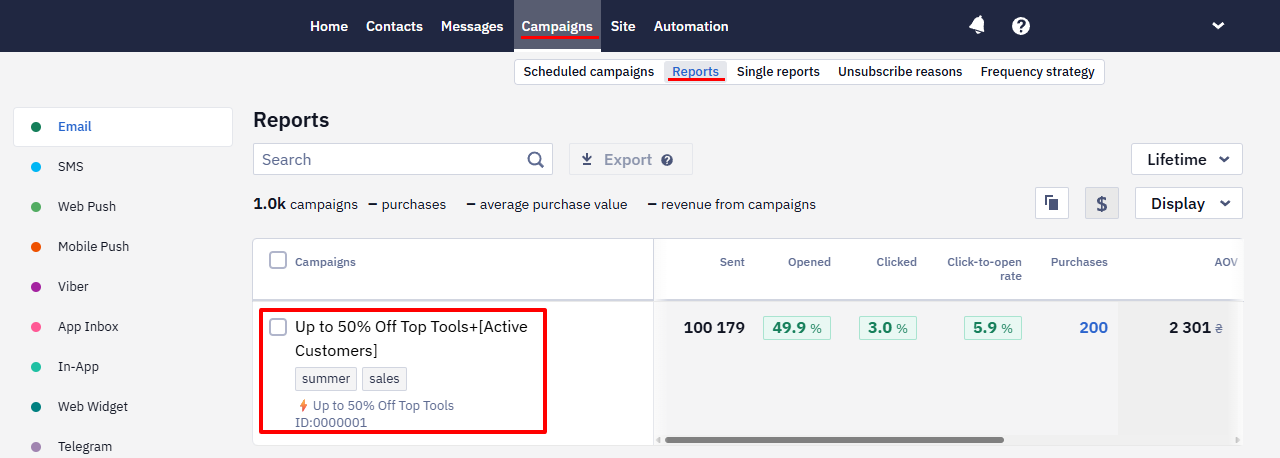
- Go to Campaigns → Reports and select the report.
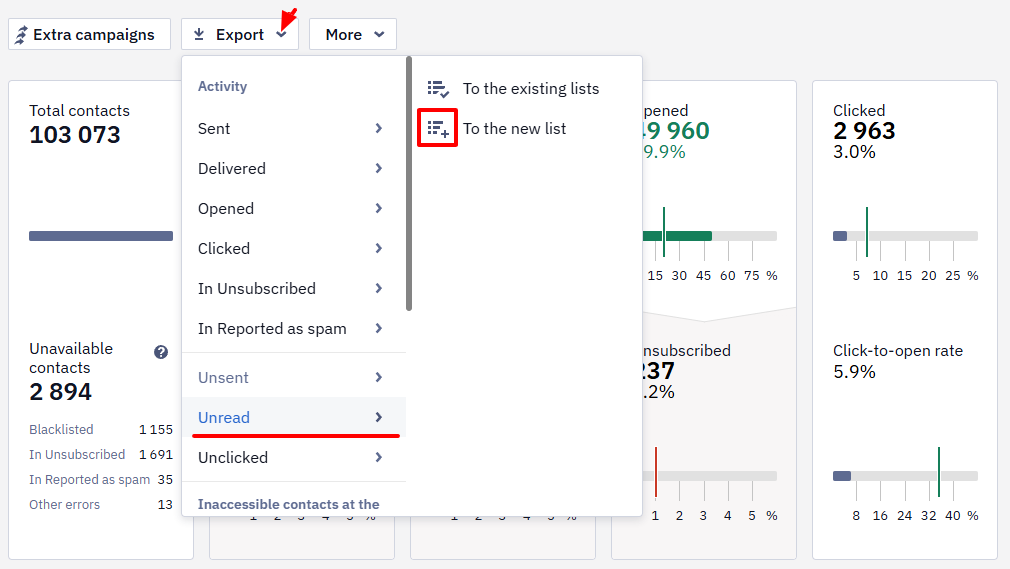
- Click Export → Unread → To the new list.
- Enter the list name (in our case, it’s Unread campaign) and click Create.

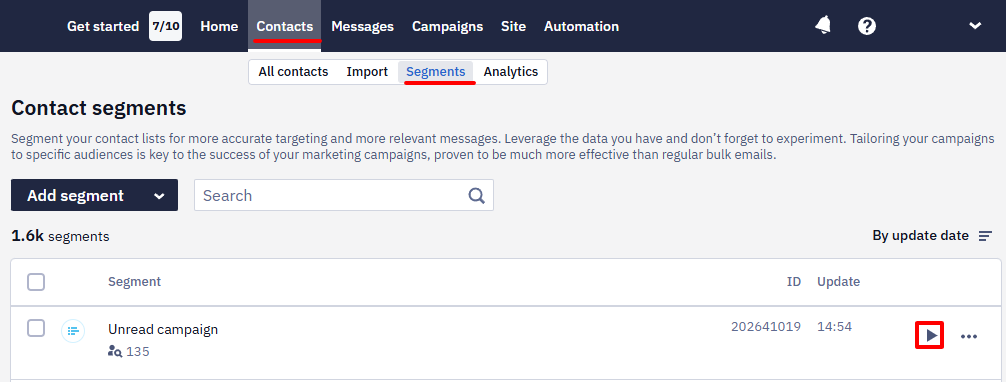
- Go to Contacts → Segments and click the Create campaign button next to the Unread campaign segment.
- In the Messages for campaign window select the message.
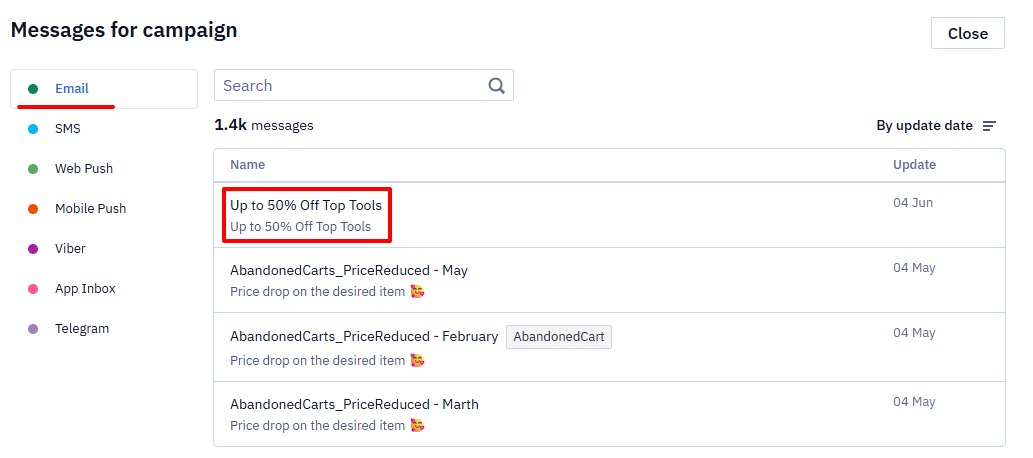
You can find the message by a keyword or a specified tag in the search bar.
- In the campaign planning menu, select the sending options.
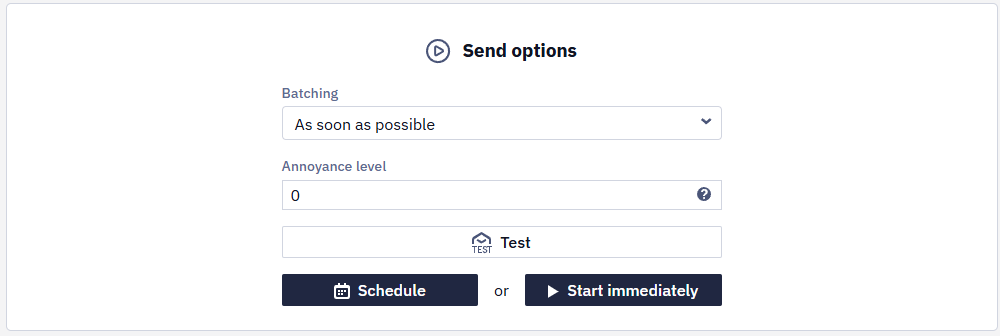
After moderation, the extra campaign will be launched for those contacts who have received the message but have not opened it.
Updated 3 months ago
Did this page help you?