
AMP
Accelerated Mobile Pages (AMP) technology allows you to add interactive elements to emails. Users can perform actions without visiting a website: respond to surveys, view content, or submit forms directly within the email.
Use AMP if you need to:
- get quick feedback;
- reduce the number of website visits;
- increase engagement with the email.
Important
- To start sending AMP-powered campaigns, you must register with Google as a dynamic email sender.
- AMP is not supported by all email clients. If a client does not support AMP, recipients will see the HTML version of the email.
- The system doesn't add an automatic link to the browser (web) version of the email from the AMP version. If you need one, add it to the email content yourself.
The editor provides the following AMP blocks:
- AMP Carousel — allows recipients to scroll (swipe) through content items.
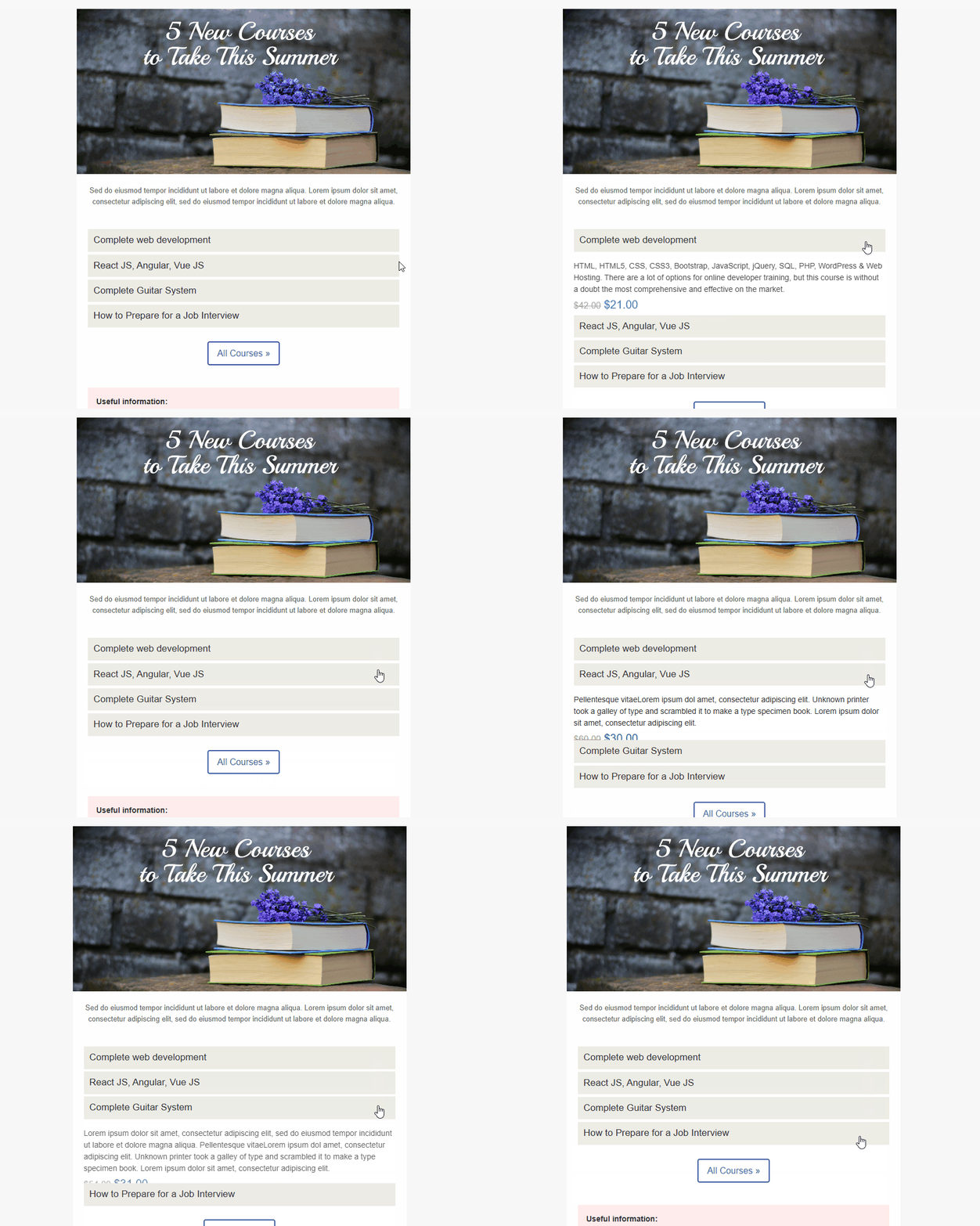
- AMP Accordion — allows recipients to collapse and expand content sections.
- AMP Form — allows you to collect responses or feedback directly within the email.
Learn how to process data received from AMP forms in a separate instruction.
AMP layout in the editor is limited to these three blocks — the editor has no other AMP components.
NoteTo get the AMP HTML version of your email on its own (for example, to validate it or hand it to a developer), open Additional settings in the editor's top panel and select Copy AMP HTML to clipboard.
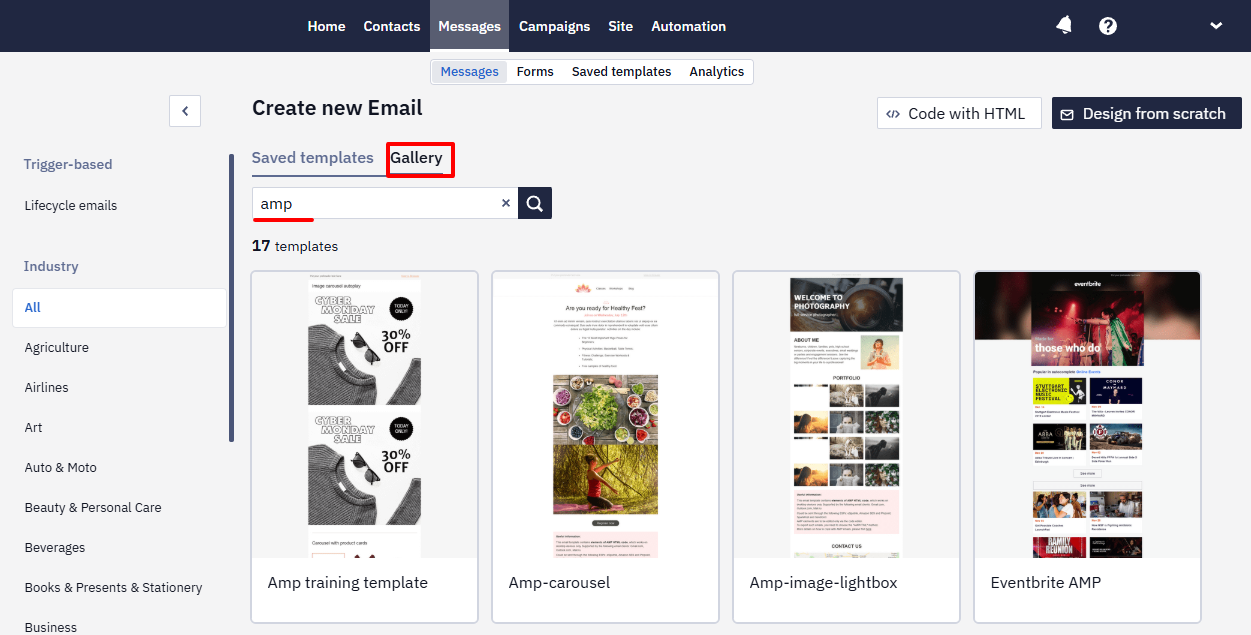
In addition to individual blocks, you can also use ready-made AMP templates from the library in your account.
Updated 2 months ago